Deleting a scene
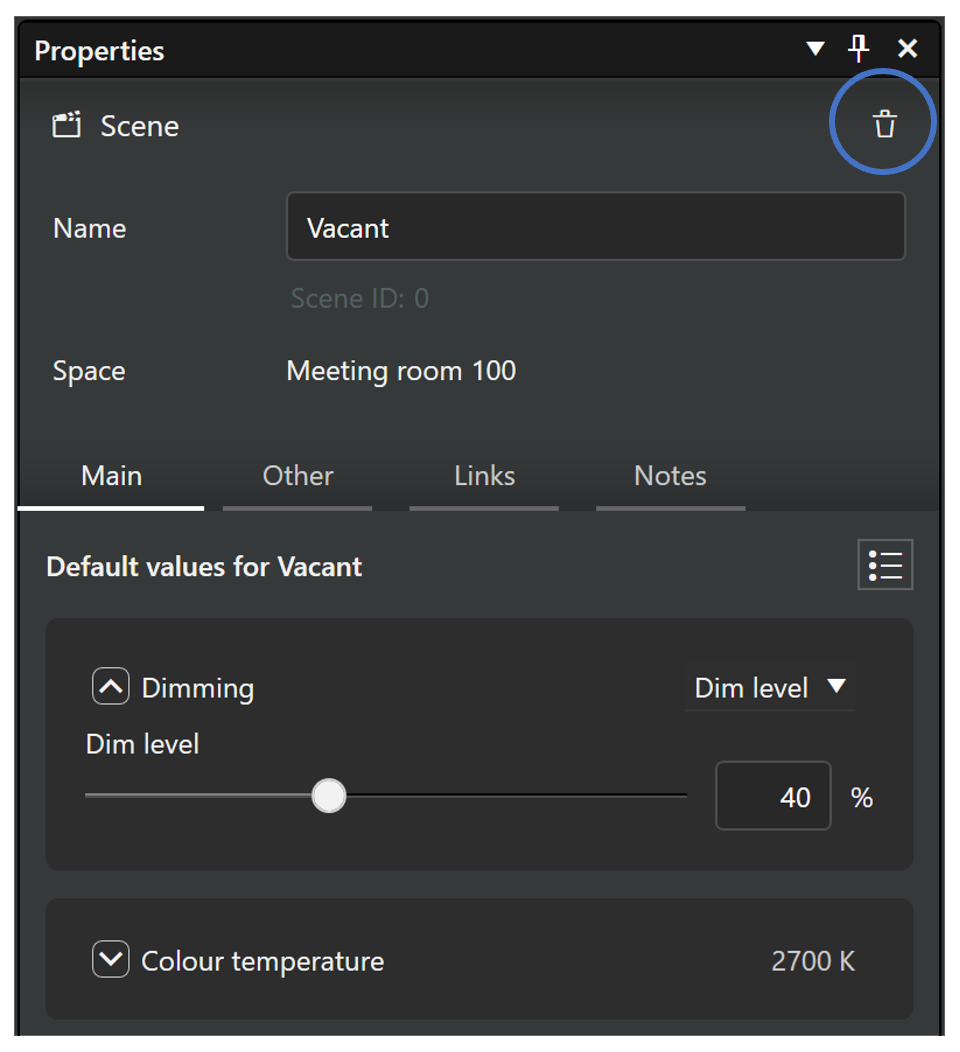
A scene can be deleted by first selecting a scene row in the scenes list, and then tapping the delete button in scene properties (trash can icon).
Deleting works similarly in both Casambi Pro for Windows and Casambi Pro for iOS.
note
A scene can include luminaire groups from one or multiple spaces in the network and can be activated by one or more controllers or schedules. When a scene is deleted, all references to it are also removed. Be sure to check for any required updates to controller configurations after deleting a scene.