How to replace a Casambi luminaire in a network
It is possible to replace a Casambi luminaire in a network without loosing the scene and other settings for that luminaire. The only requirement is that the replacement must have the same profile as the existing one.
Please follow these steps to replace the luminaire:
-
Turn the power off from the existing luminaire
-
Power on the new luminaire
-
Go to Luminaires tab and double tap the luminaire icon that has been powered off
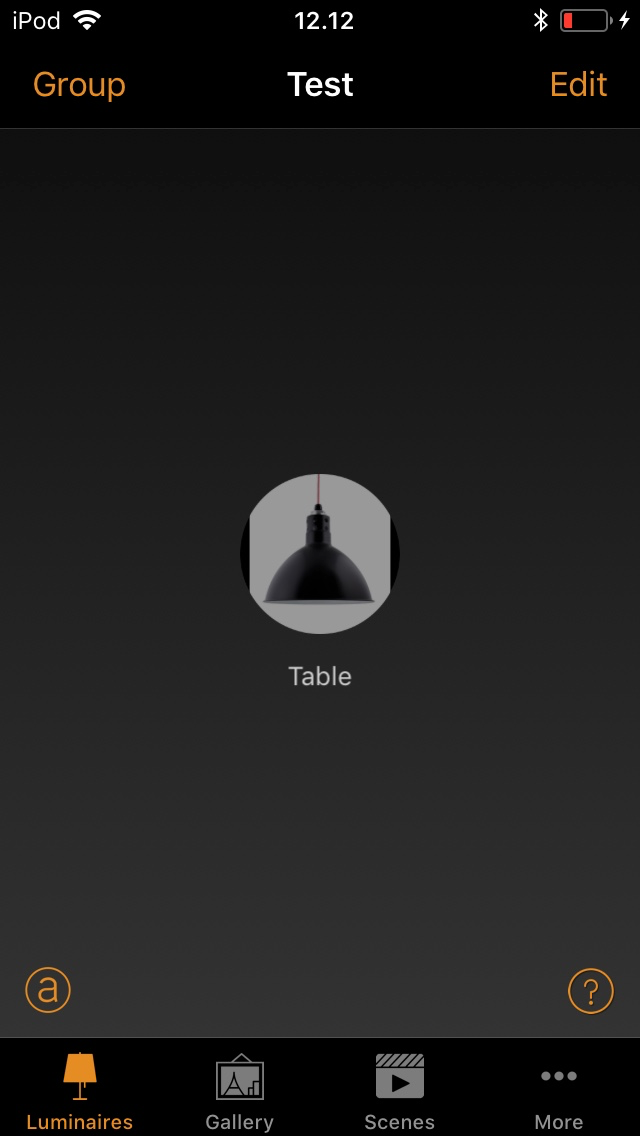
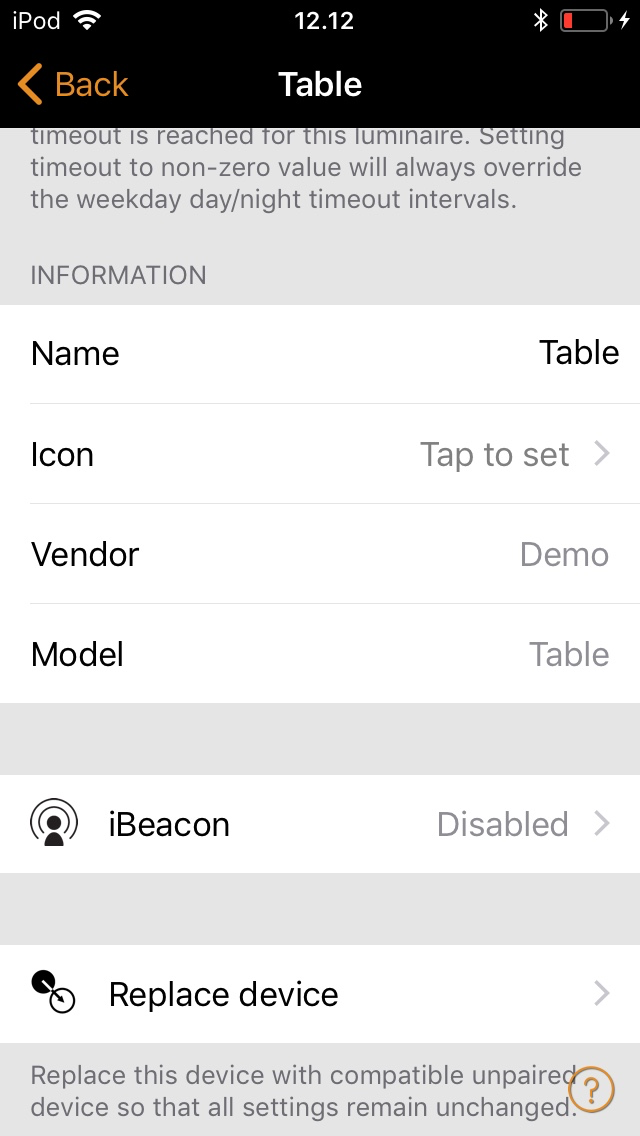
- Scroll down and select "Replace device"
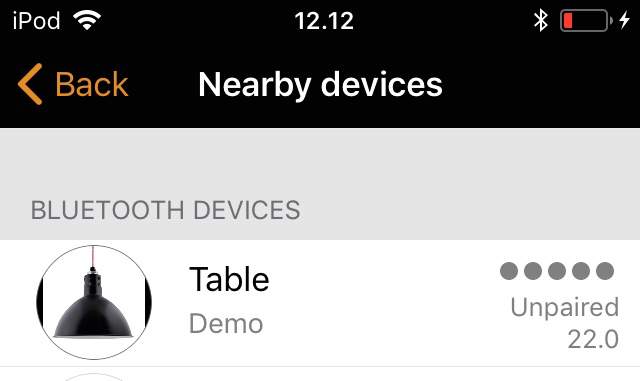
- The Nearby Devices screen will open and you will see all the available luminaires. It is only possible to select a luminaire with correct settings.
- After tapping on the luminaire select "Replace with this device"
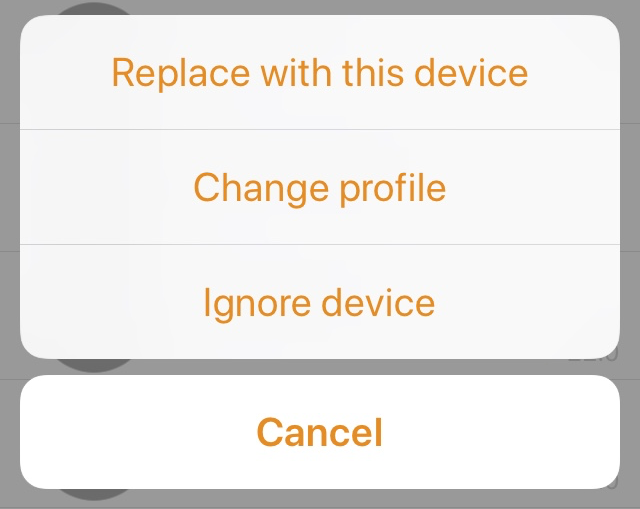
Now the old luminaire has been replaced with the new luminaire and the new luminaire has all the settings that the old luminaire had.