Changing device fixture profile
For unpaired devices, it is possible to change the fixture profile. This can be done only with Casambi Pro for iOS.
To change the profile, tap a device first in the Nearby Devices list to see device’s detail information.
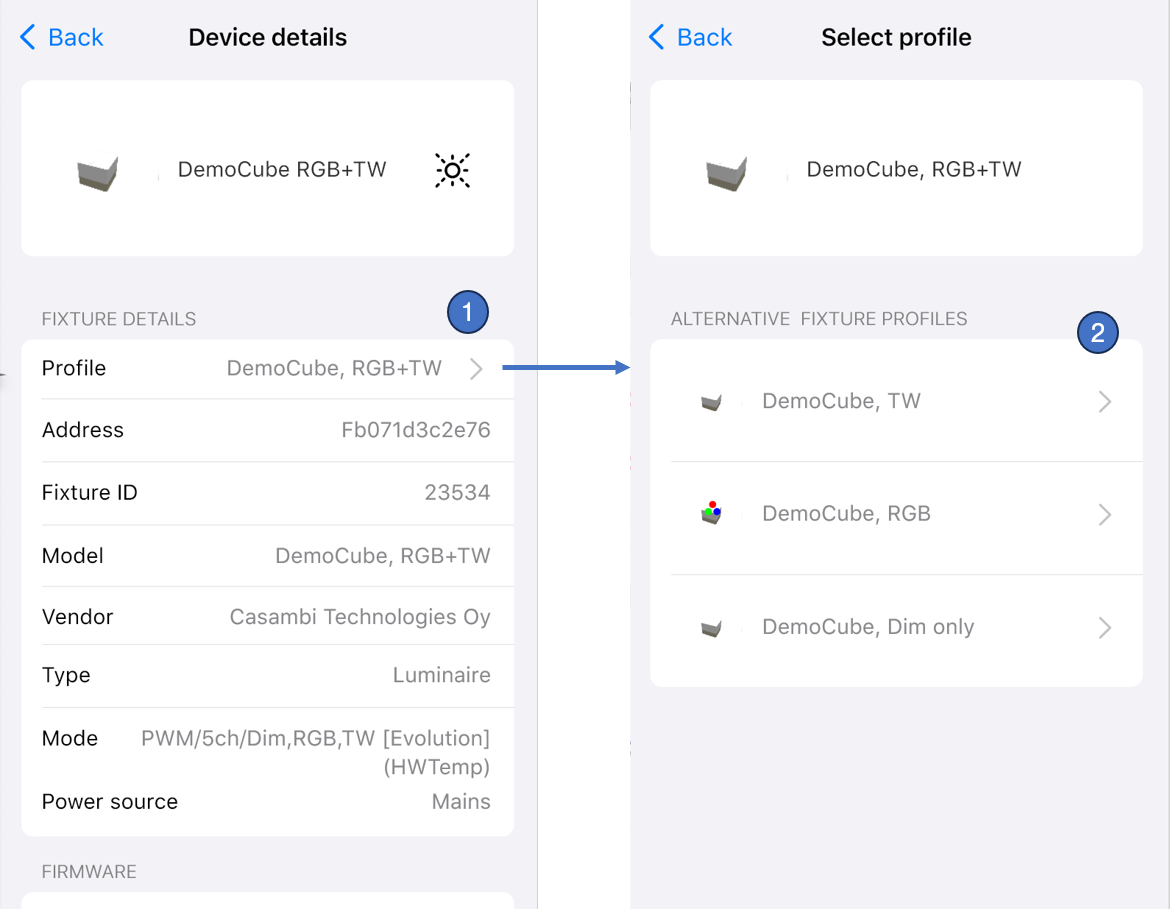
When the device details are visible:
- Tap the Profile row in the Fixture Details section. If the device has alternative profiles, a selection view is opened.
- In the selection view, all alternative fixture profiles are listed. To start fixture profile update, tap the preferred profile row. The user interface will guide you through the profile installation.