How do I reset my network's password?
If you had previously shared the network and entered a valid working administrator email address in the 'Sharing settings', it is possible to 'Reset password'.
The password can be reset by following the steps below:
- Select the network you're trying to log in to from the list of networks found in 'More' → 'Change network'
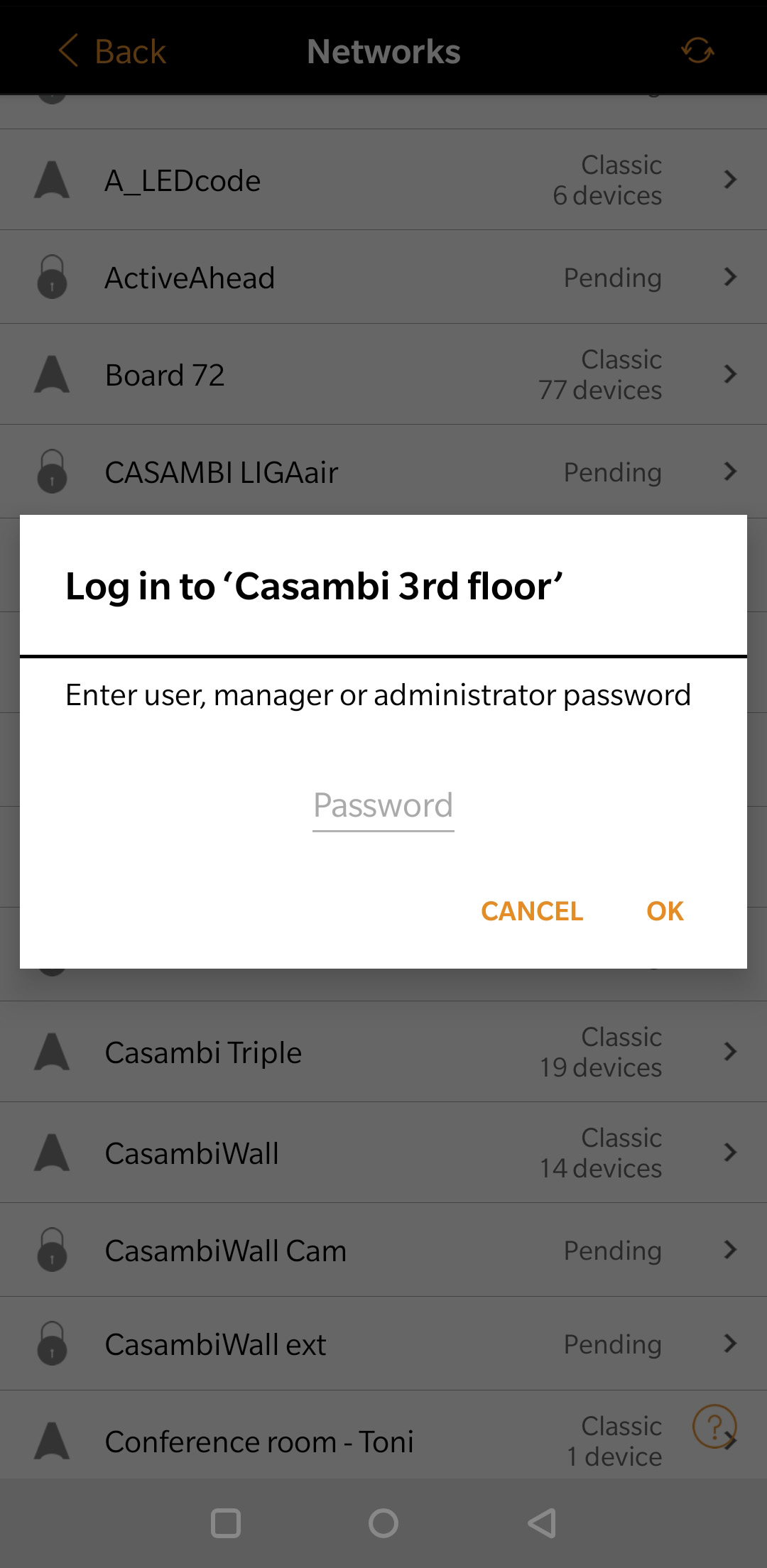
- You will be prompted for a password. You need to enter a password (anything) and tap on the 'OK' button. If the password is incorrect the 'Reset password' option will then appear.
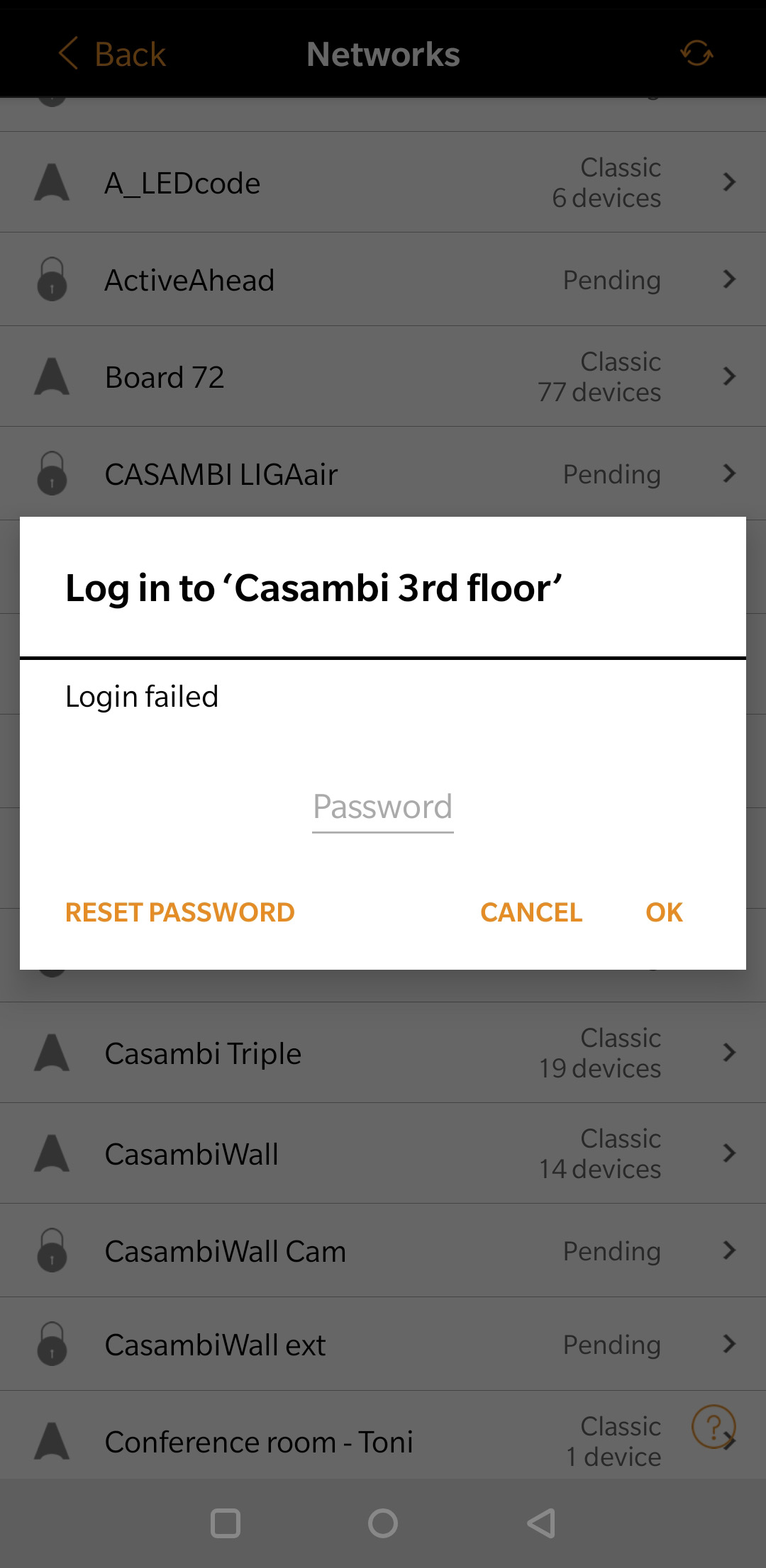
- After selecting 'Reset password' an email will be sent to the email address that you had entered in 'Sharing settings'. The email will contain a link to reset the password.
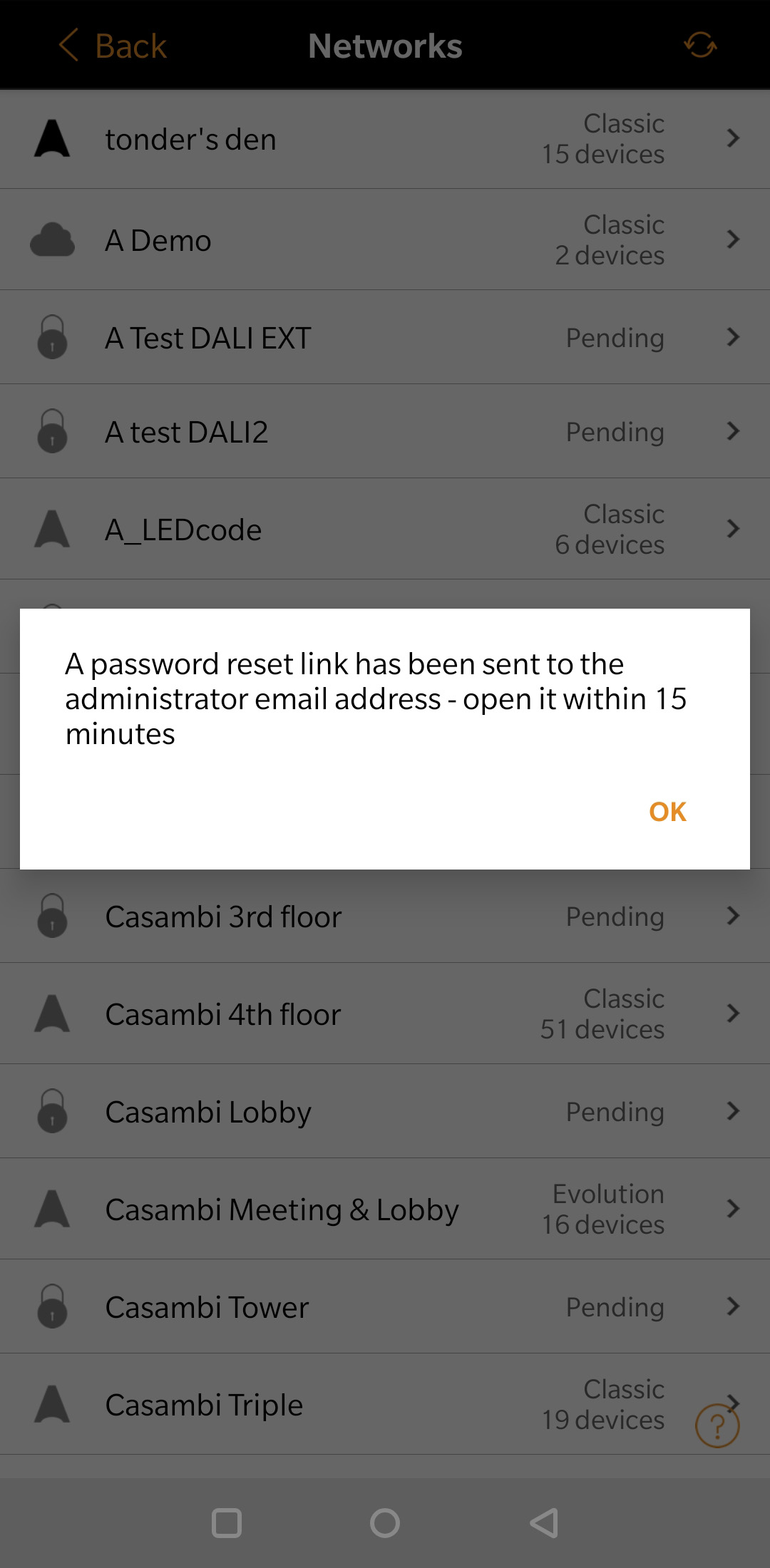
- The link is active for 15 minutes. Click on the link in the email to reset your password and set a new password for your network.