How to add a EnOcean EMDCB sensor to a Casambi Evolution network
The EnOcean energy-harvesting, Bluetooth Low Energy sensor can be paired to a Casambi network and used to control scenes in the same way that other Casmabi-ready sensors. The supported EnOcean sensor type is EMDCB.
Only EnOcean sensors of version 2 or above can be used with Casambi Evolution networks in both BALANCED or BETTER PERFORMANCE modes. The EnOcean sensor can not be used with Casambi Classic networks. The EnOcean EMDCB sensor also its own internal notification (linger) time of 2 minutes. You should therefore consider this when setting a linger time in the Casambi app. If you would like a total linger time of 20 minutes, select only 18 minutes in the Casambi app.
The sensor version can be seen from the serial number inside the device. Examples of version 2 sensors would be:
- EMDCB
- E6221-K515
- CA-2
-
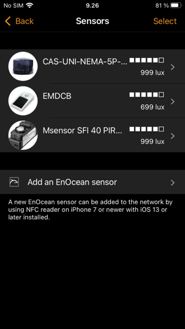
Go to More → Sensors in Casambi app
-
Tap on "Add a EnOcean sensor"
-
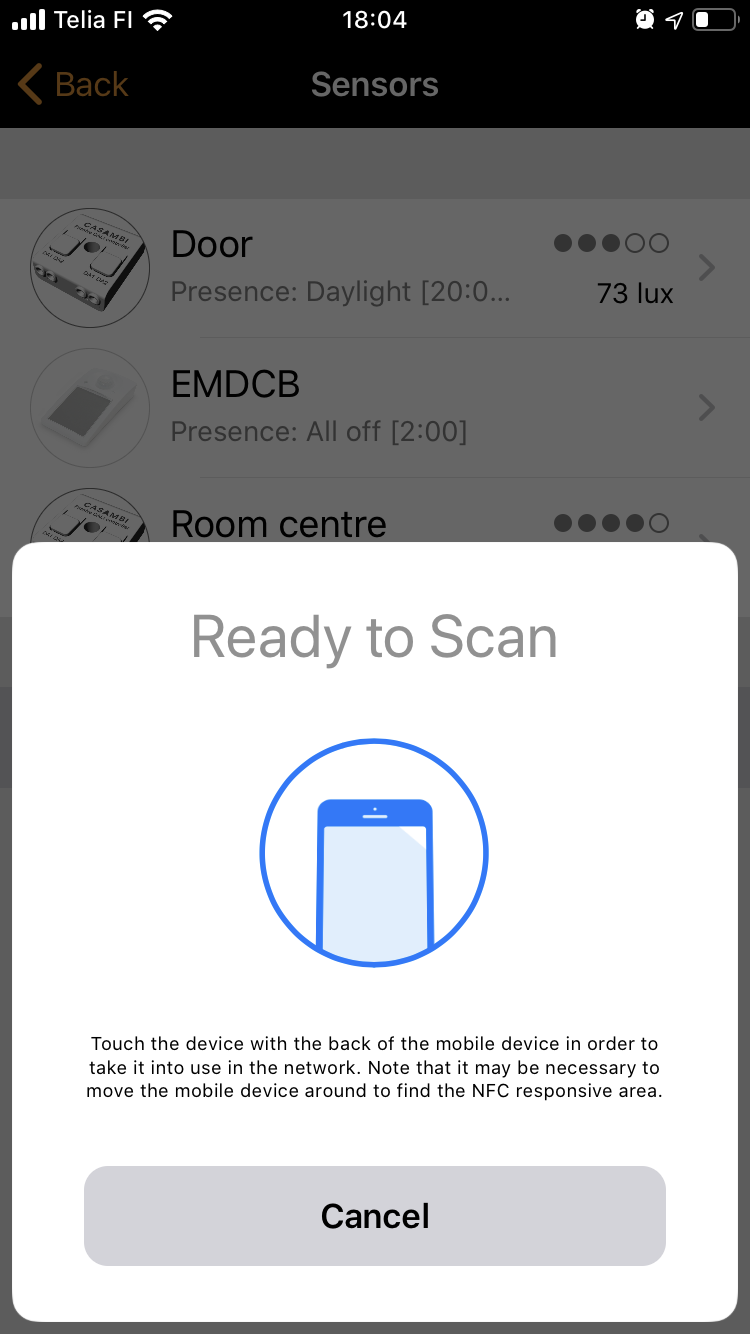
Touch the sensor with the back side of your mobile device.
-
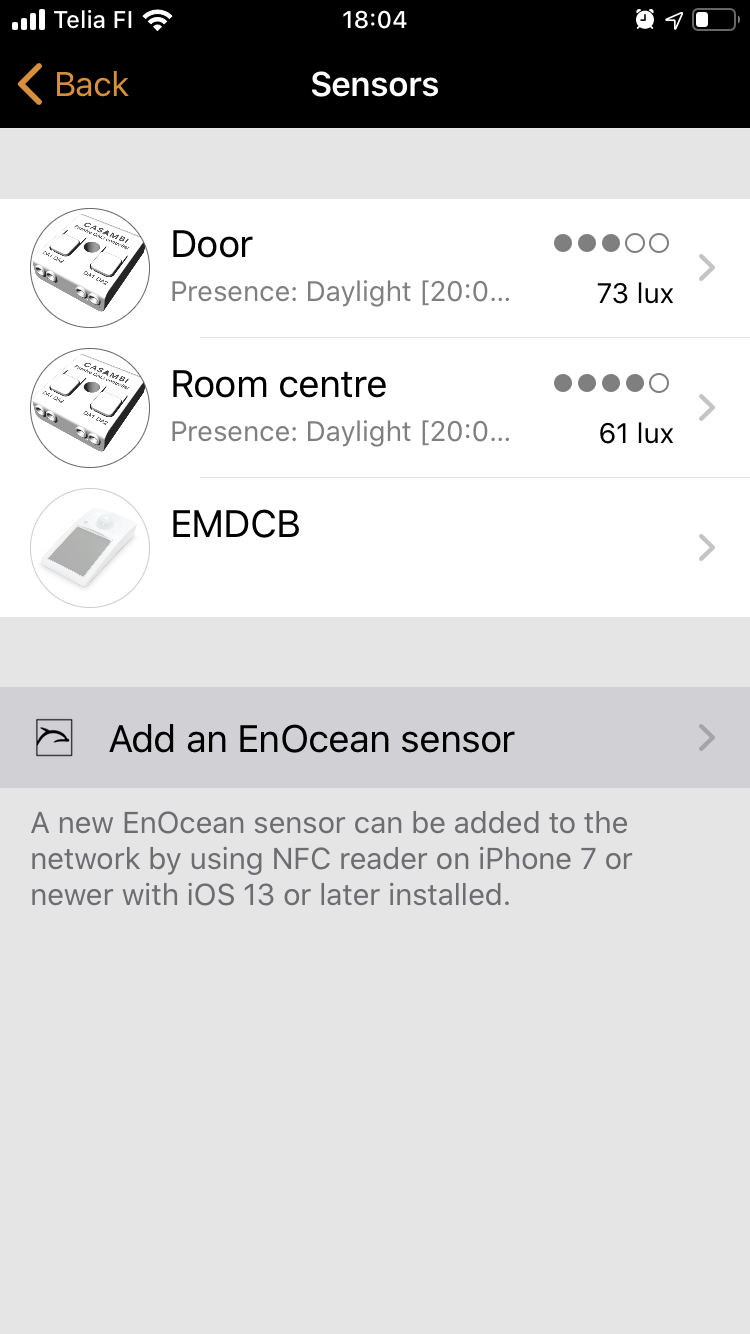
When the NFC reader of your mobile device detects the EnOcean sensor you will hear a noise and the sensor page is opened showing the newly added EnOcean sensor.
-
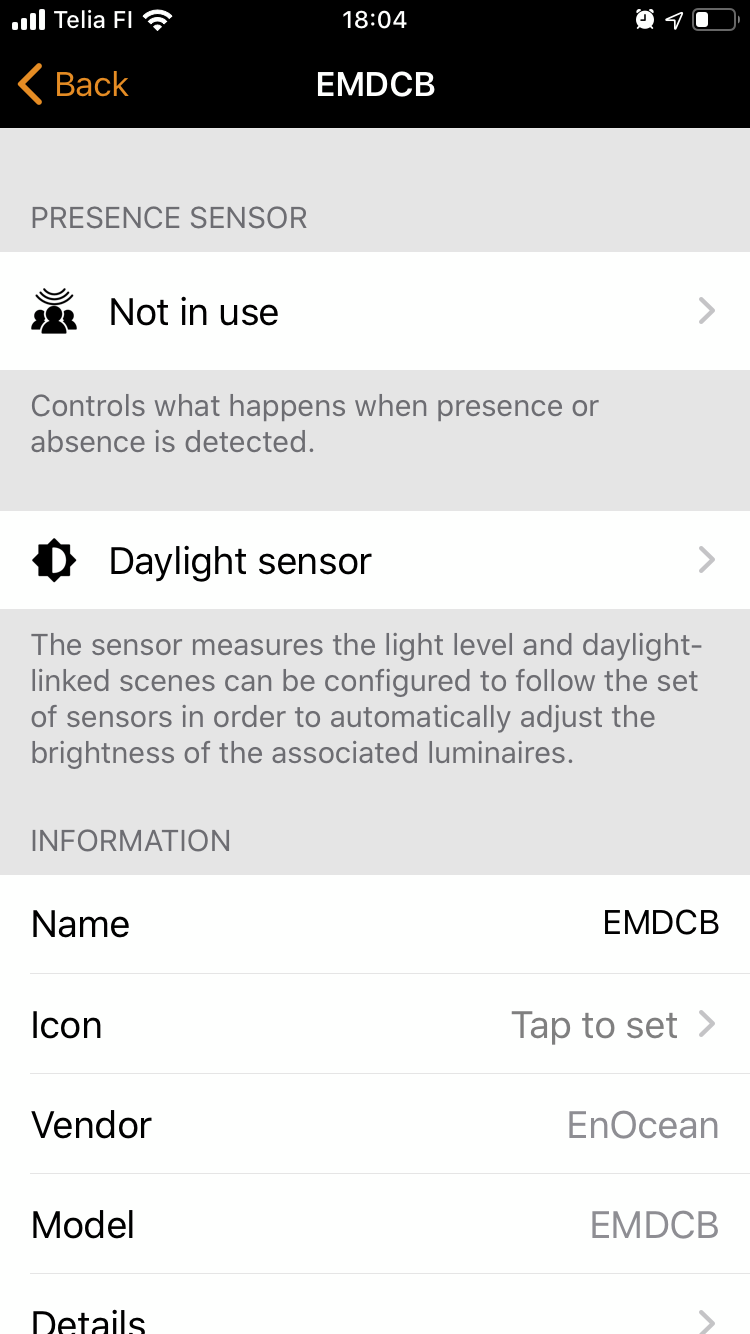
When you select the sensor, a configuration page for it is opened. Here you can configure the functionality of your sensor in the same way you would configure it for any other Casambi-ready sensor.
Removing an EnOcean sensor from a network
To remove an EnOcean sensor from a Casambi network, simply delete the EnOcean sensor within the Switches list. (iOS = drag and select, Android = hold and select)